Custom Images
All the built-in Gif commands (which can be seen here) support uploading your own custom Gif images.
To use custom images, you first need to enable the feature in your server. You’ll be prompted to do this when you first visit the Custom Images page in the dashboard.
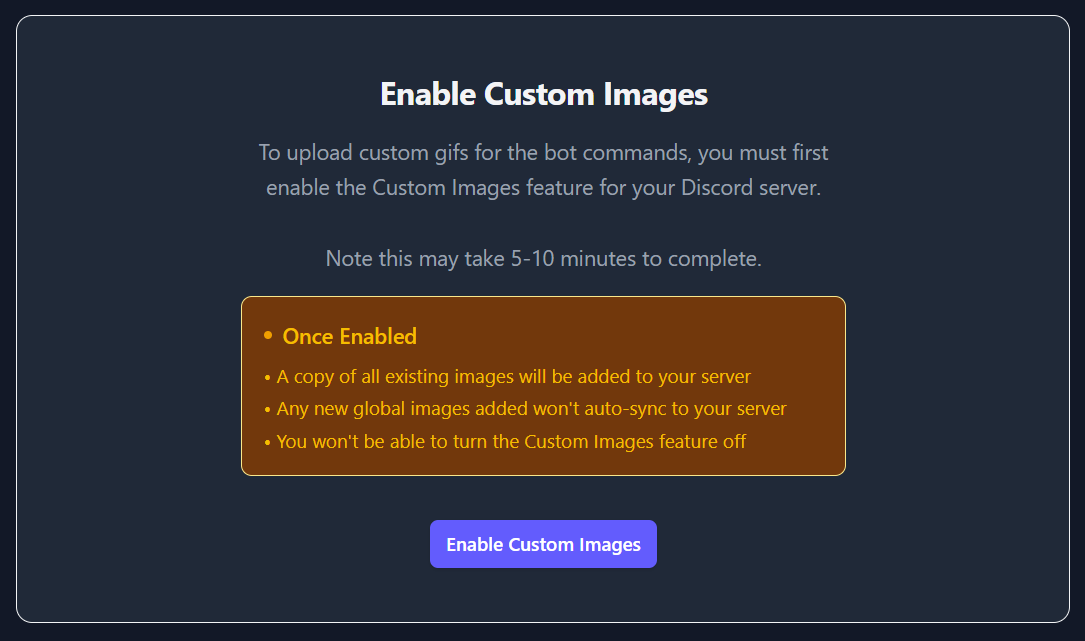
As mentioned, this process will take around 5-10 minutes to complete, as it will create a copy of all existing global images for your server to use. The page will show the progress of the import, and once complete, you can start uploading your own images.
Once enabled, the page will look like below with a list of images under dropdowns of each command.
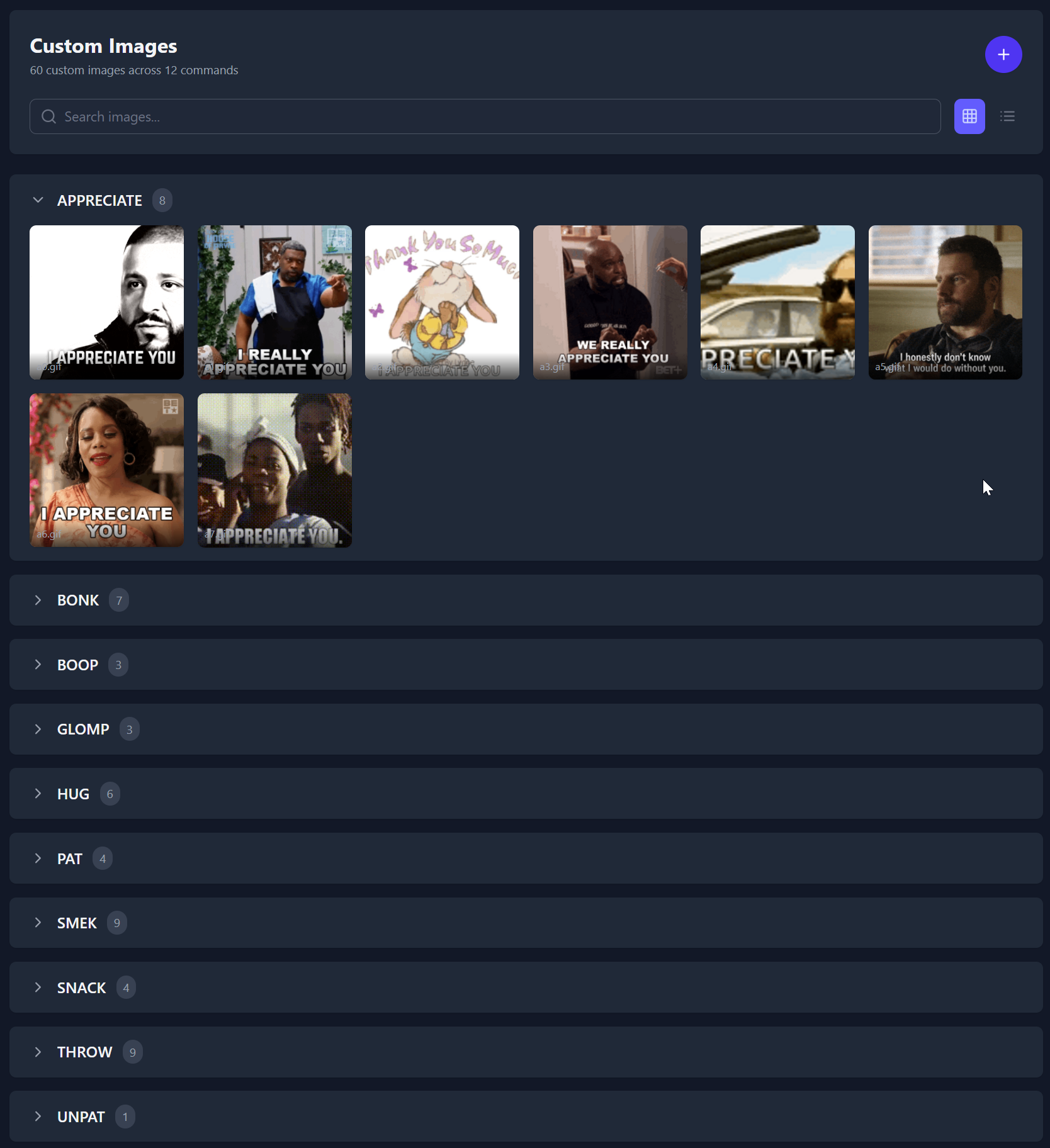
You can hover over any image to see the trash can icon and remove, or click anywhere else on the image to open the preview modal.
You can click the + button to upload a new image (simply select the command, select an image and upload).